

Turn Any Tablet Into a Time Clock Kiosk
Drop QRAY on a spare tablet, phone, or PC and you have a full time clock terminal — no dedicated hardware to buy, no installation crew.
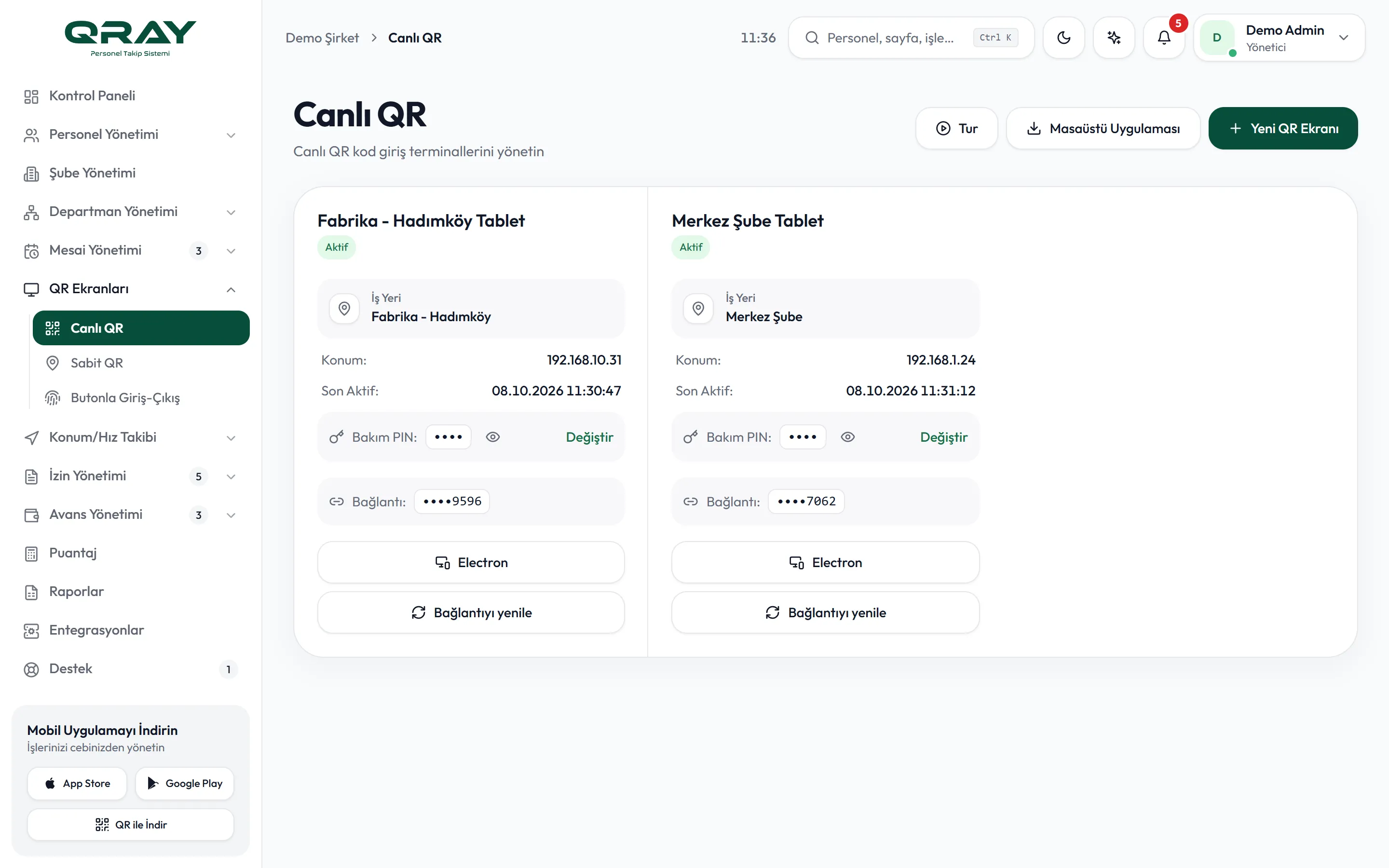
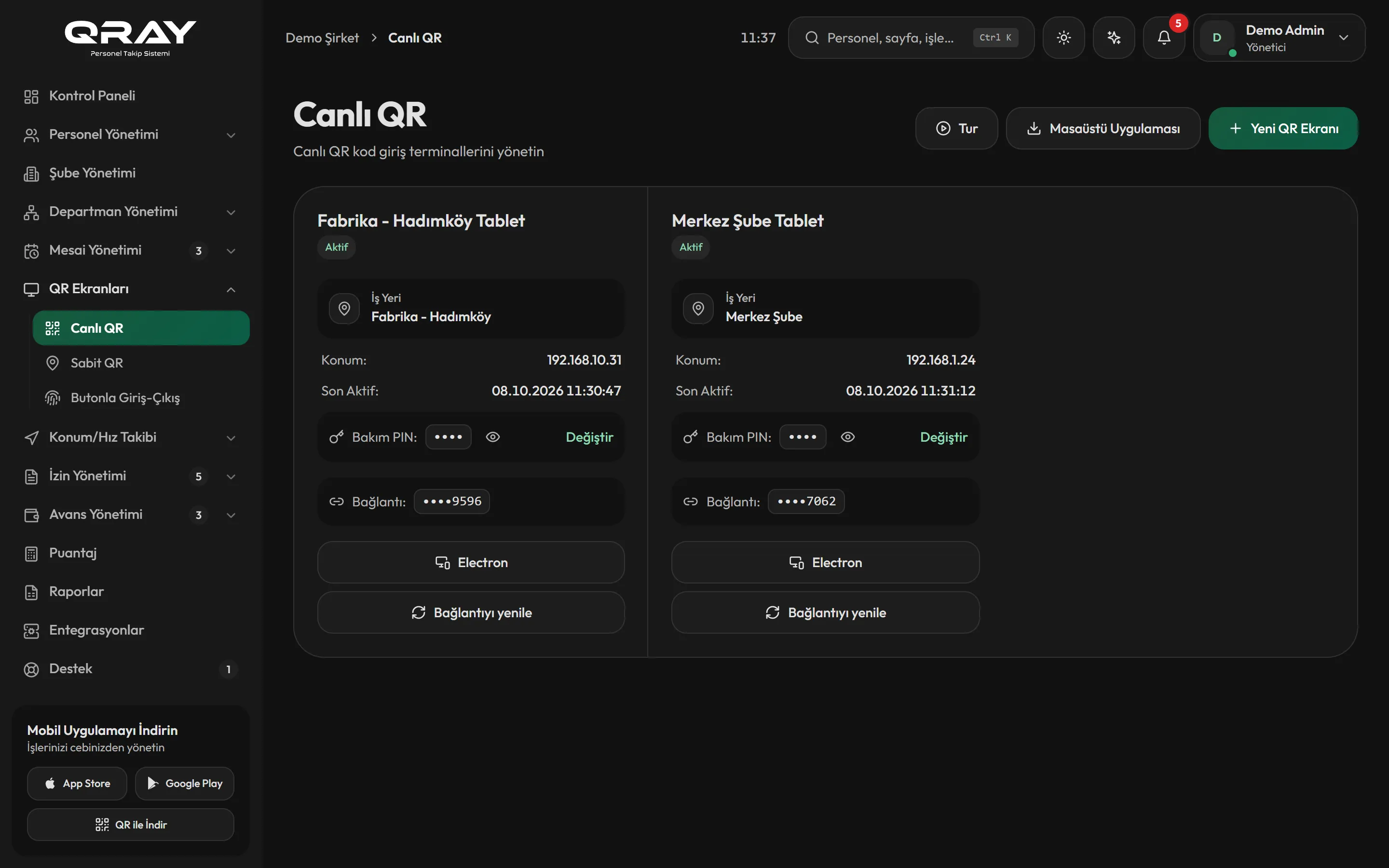
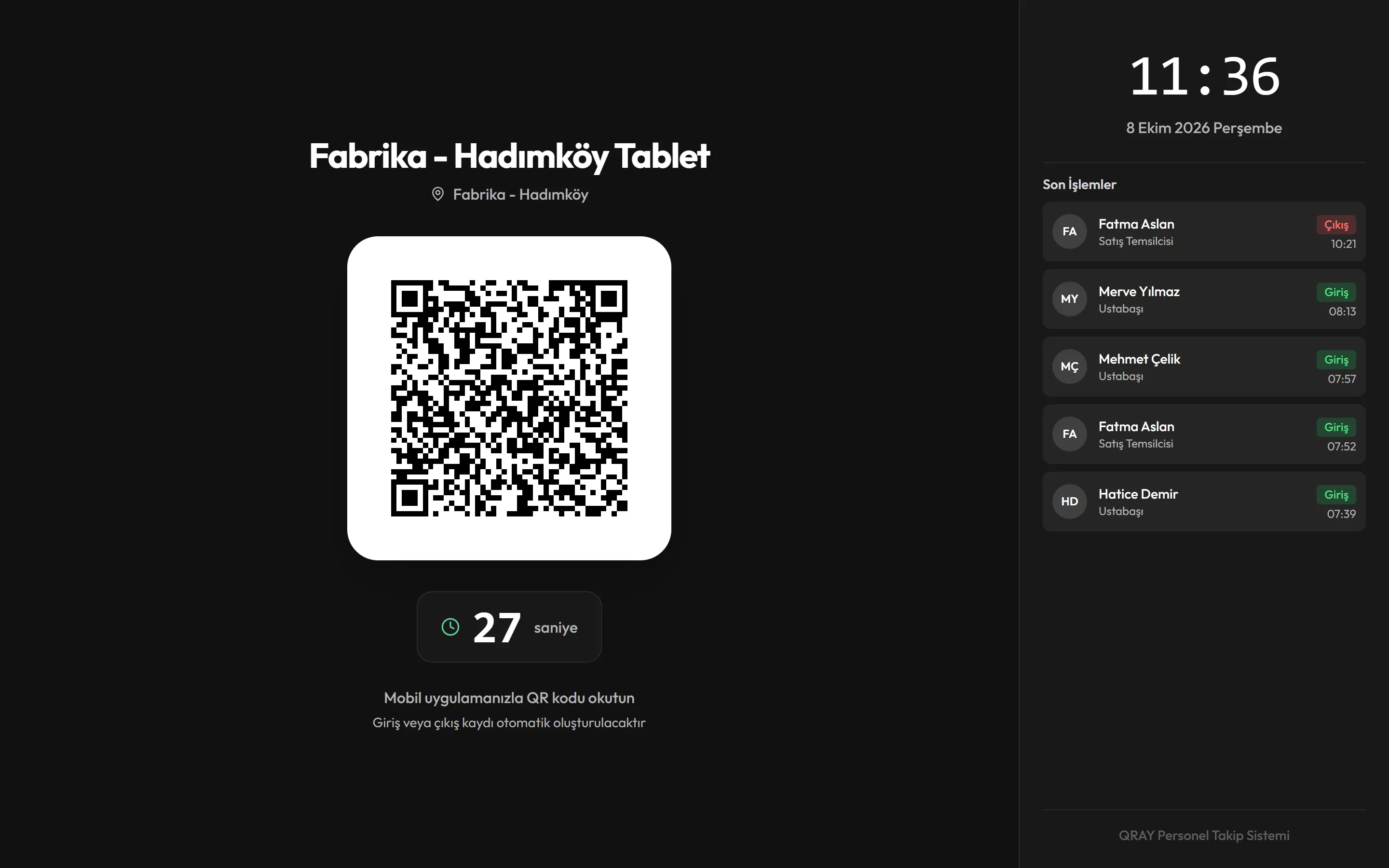
QRAY Kiosk Mode turns any device you already own into a professional time clock terminal. An old tablet, an unused phone, or the computer at your front desk becomes a 24/7 clock-in point. There is nothing to wire, mount, or order — and no per-door hardware bill that grows every time you open a new location.
Set Up a Kiosk in Minutes
Create a new kiosk in the admin panel and open its QR screen link full-screen in the browser of any tablet, phone, or TV. On Windows PCs, the QRAY kiosk app is set up by signing in as an admin and selecting the kiosk; the screen locks into full-screen mode and can only be exited with a maintenance PIN. The kiosk then displays a rotating QR code. Employees scan it with the QRAY app to clock in and out. As long as it is online, the kiosk runs unattended around the clock and needs no babysitting.
Desktop Kiosk App for Windows
For front-desk Windows computers, QRAY ships a dedicated desktop kiosk app built on Electron. It puts the machine into a locked full-screen terminal. On macOS, Linux, and other devices, the QR screen runs full-screen in a web browser. The live QR screen needs an internet connection. One spare laptop becomes a reliable clock-in station for the whole team.
Benefits
- Any tablet, phone, or PC becomes a time clock
- No fingerprint scanners or badge readers to buy
- Set up a new kiosk in minutes, not weeks
- Locked full-screen mode keeps the device on task
- Windows desktop app, plus any device with a browser
- Manage every kiosk from the admin panel
- Add unlimited kiosks across every location
- Pairs with the rotating QR code to block buddy punching
Frequently Asked Questions
Our team is ready to answer your questions over WhatsApp and email.
Do I need to buy a special device?
No. Any reasonably modern tablet, phone, or computer works. Many businesses repurpose an old tablet they already have lying around.
Can one location have more than one kiosk?
Yes. You can add as many kiosks as you need — for example one at each entrance — and manage them all from a single admin panel.
Does the kiosk work without internet?
No. The live QR screen needs an internet connection, since codes are generated on the server. For spots without internet, you can use a printed fixed QR code; the employee's phone still needs internet access to record the punch.
Related Features
Get started with QRAY today
Your account is ready in minutes. No dedicated hardware to buy.